



Blogs
Explore insights, tips, and industry trends

Case studies
See how organizations achieve real results

eBooks and reports
Access in-depth research and expert analysis

Research
Discover original research and data-driven insights

Webinars
Join live and on-demand sessions with experts

Whitepapers
Access research and expert analysis

Academy
Build skills with structured courses and training

Certified trainers
Get expert training from certified professionals

International partners
Connect with trusted partners around the world

Knowledge center
Find guides, tutorials, and product documentation


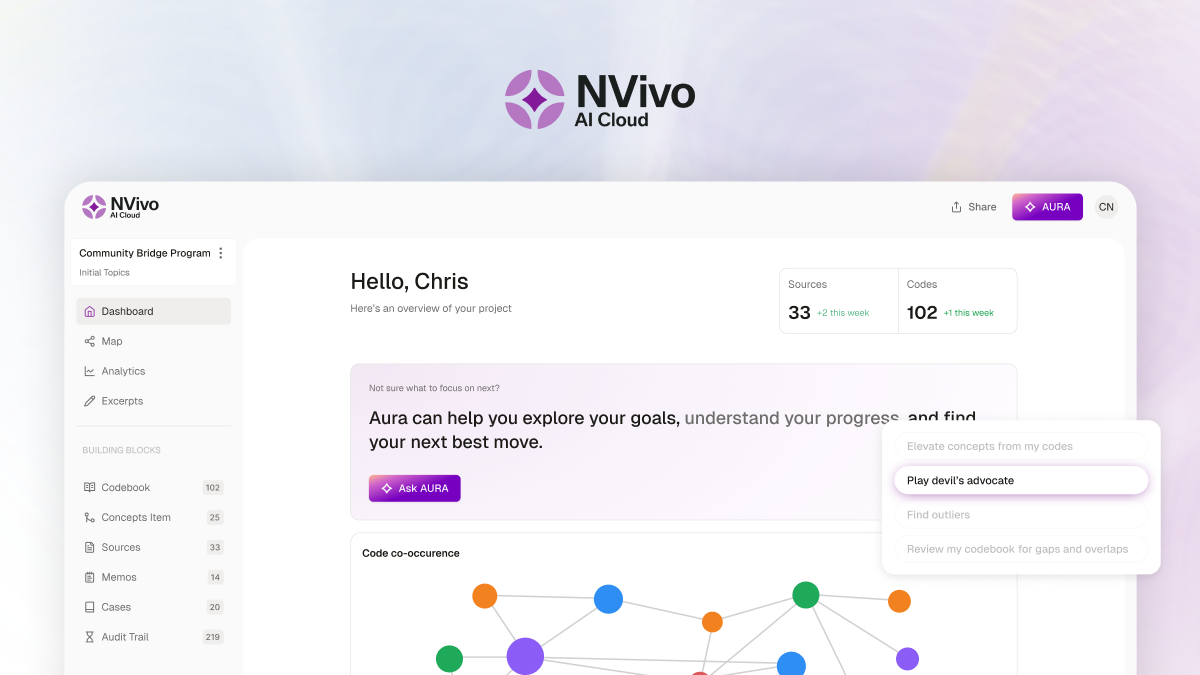
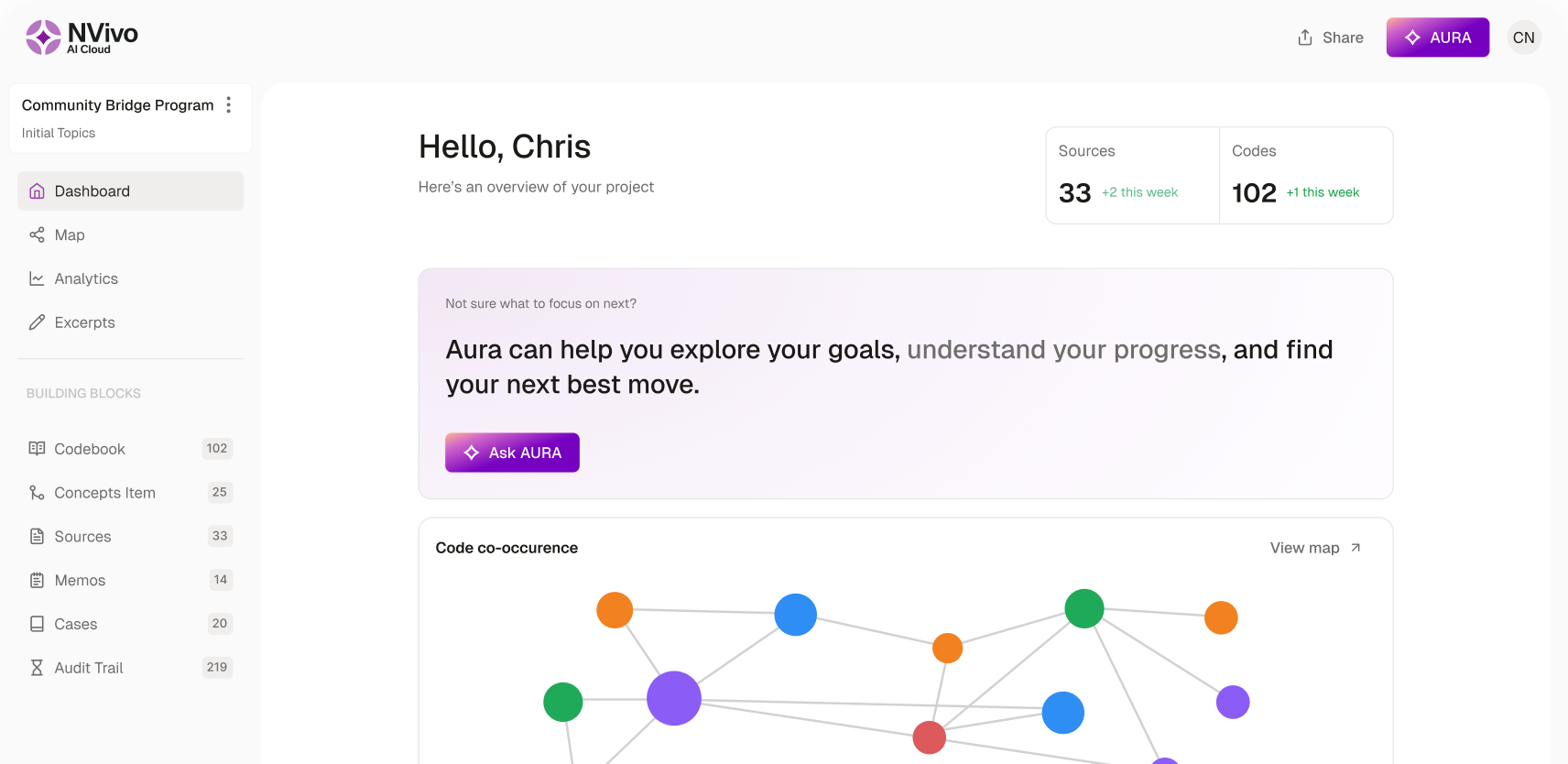
NVivo AI Cloud is here
See deeper patterns. Publish with confidence. Available now for individual researchers.
AI-powered academic reference management software | Citavi
Your research writing and knowledge engine
Highly rated and loved by researchers

Highly rated and loved by researchers


Why choose Citavi?
Bring order to
your research
Find, import, and organize references in one place. With an all-in-one reference manager, you can capture insights and develop ideas without juggling multiple tools.
Turn information into understanding
Strengthen your critical thinking and reduce overwhelm by turning scattered quotations and ideas into a structured, ready-to-write outline.
Accelerate your
writing with AI
Summarize text and find relevant sources faster, so you can spend less time searching and more time interpreting and writing.
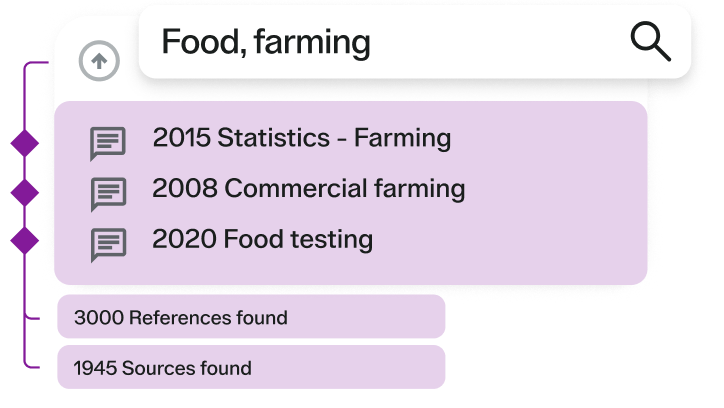
Gather references with ease
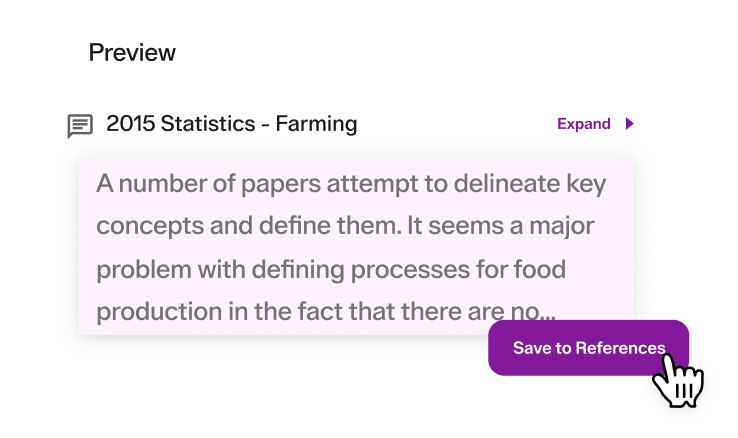
Capture insights as you read
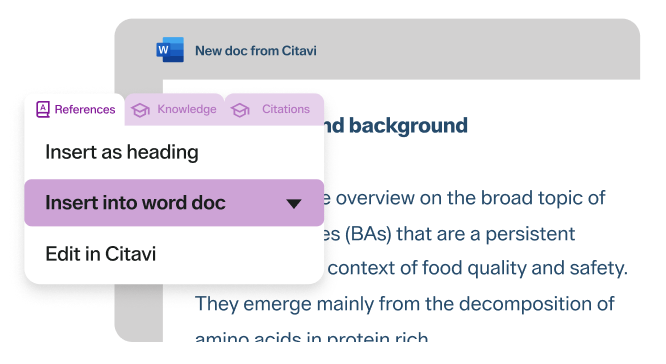
Develop your outline and start writing
Everything you need to research and write

Browser pickers

PDF annotation

Task planner

Collaboration

Storage options

Word & NVivo integrations
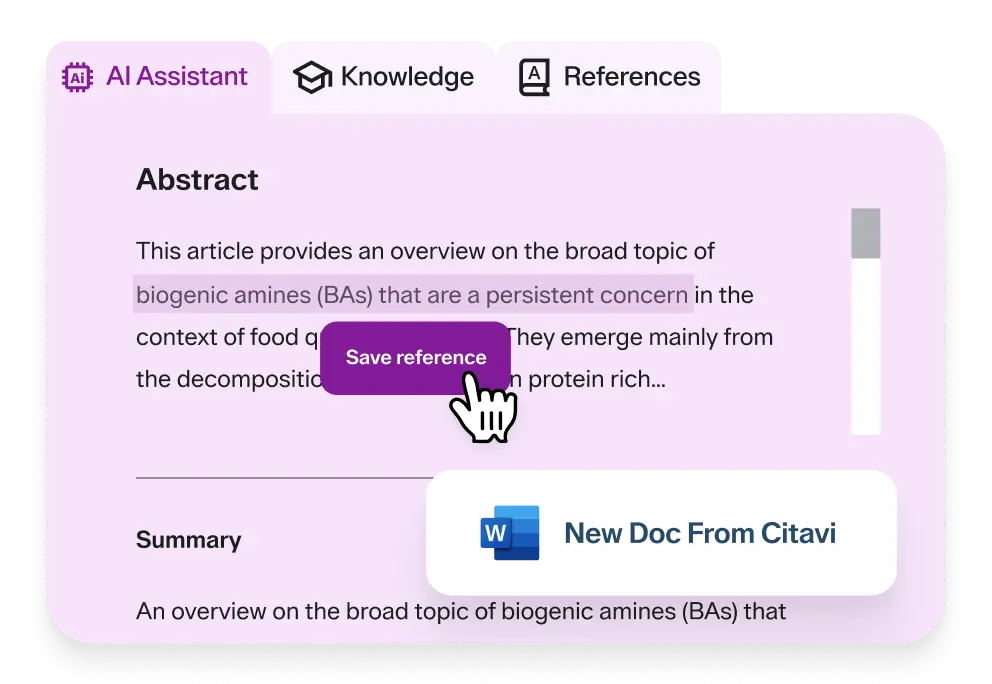
Meet Citavi’s AI assistant
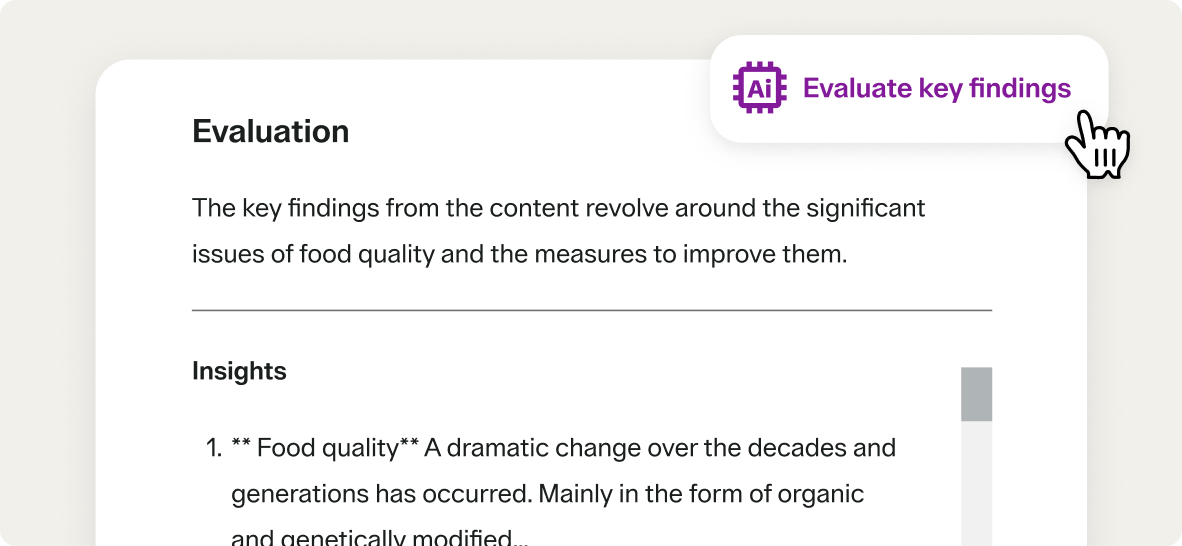
AI key insights
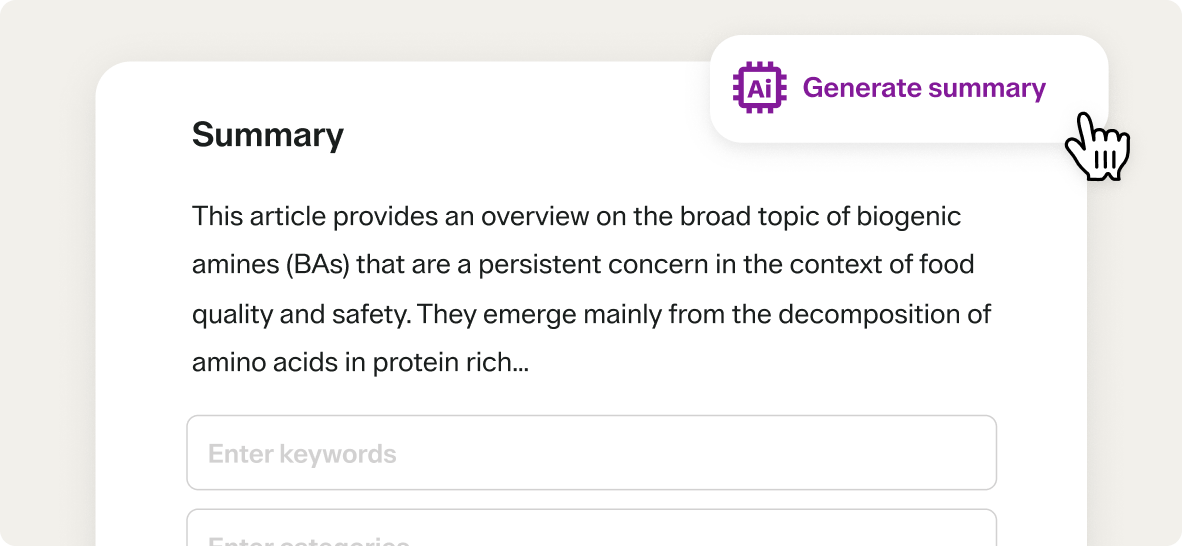
AI passage summaries
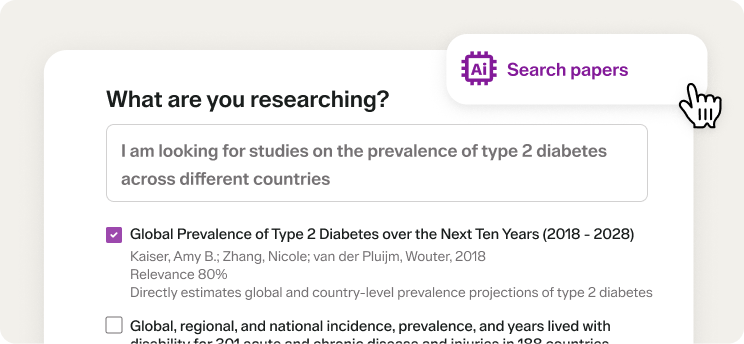
AI paper search
Choose the licensing option that fits your needs
Individual and small teams
Organization and institutions
Built for academic writing, literature reviews, and research projects.

Trusted by researchers for 30+ years
Adopted by hundreds of universities worldwide
Developed with librarians and research experts
Available in multiple languages
See why leading organizations choose Lumivero
 “We use Citavi not only for literature but also for many internal and external documents, such as test plans
and reports. With Citavi, knowledge management in our company works excellently!”
-
“We chose Citavi for structured literature collection, referencing, and knowledge management because
of its functionality—particularly the ability to collaborate simultaneously on a shared database hosted on our own server.
Its customization options and excellent customer service have made it an indispensable part of our daily work.”
-
“One of the best features of Citavi is its organized management of bibliographic citations through tags
and categories, along with the ability to insert citations and references directly into our writing
(in the required citation style). The Microsoft Word add-in greatly facilitates this process.”
Explore resources
Access articles, tutorials, and expert insights to bring structure to your research and strengthen your writing.

Citavi Blog & Insights

Citavi Learning Hub

Citavi Community & Support
Frequently asked questions
Yes! Citavi works directly with Microsoft Word via the Citavi Word Add-In, making it easy to insert citations and build your bibliography as you write.
You can also use Citavi with Google Docs by copying formatted citations and bibliography entries from your Citavi project and pasting them into your document. This gives you the flexibility to work in Google Docs while still benefiting from Citavi’s powerful reference management features.
Citavi makes it easy to build a rich reference library from a wide range of sources. You can add books, journal articles, websites, PDFs, and even multimedia files. Whether your source is saved locally, found online, or stored in another reference manager, Citavi supports a broad set of formats and reference types.
There are several ways to add references:
- Search academic databases directly from Citavi and import results with a click.
- Enter an ISBN, DOI, or PubMed ID to automatically retrieve complete bibliographic details.
- Add manually using structured entry forms tailored to different source types.
- Import files like PDFs, RIS, or BibTeX—Citavi can extract metadata and link full texts automatically.
- Attach multimedia files to references to keep related images, audio, or video organized in your project.
- Use the Citavi Picker browser extension to grab references, quotations, and images from websites or PDFs as you browse.
Citavi also helps you avoid duplicates, check local library availability, and find full texts of online journal and newspaper articles, so your library stays clean, complete, and easy to navigate. No matter where your sources live, Citavi helps you bring them together in one organized, searchable library.
Yes! With Citavi’s cloud-based projects, you can access your reference library from multiple devices—whether you're working on a desktop at the office or a laptop at home. Your data stays up to date across all locations, and you can collaborate with team members in real time. All you need is an internet connection and a Citavi account to stay in sync.
For organizations that require an on-premise solution, Citavi also offers Citavi DBServer, which allows teams to work together securely within their own IT infrastructure.
Citavi’s annotation tools are designed for PDF files. You can highlight text, add comments, extract quotations, and create tasks directly within the PDF viewer. These annotations are saved in your project, making it easy to organize and reference them later.
For other file types, you can add notes or summaries manually to keep your insights connected and your project organized.
Yes! Citavi offers over 11,000 citation styles for journals, institutions, and publishers, so you can format your references exactly as required. You can easily switch styles at any time, upload your own, or customize an existing style to meet specific guidelines.
Yes! Citavi offers a free trial so you can explore its features before committing. The trial includes access to Citavi Web and/or Citavi Desktop, depending on your preferred platform. No credit card is required to get started—just create a Citavi account and you're ready to begin.
Yes! Citavi offers flexible licensing options for both individuals and organizations.
- Individual licenses are available for students, researchers, and professionals. You can choose between Citavi Web, Citavi Desktop, or a combination of both. Pricing varies based on platform and license type.
- Organizational licenses are designed for teams, universities, and research institutions. For groups of 10 or more users, Citavi offers volume pricing and custom packages. Institutions can also opt for site licenses, which provide broad access for students, faculty, and staff.
Many universities and research institutions offer free access to Citavi through an institutional site license. If you're a student, faculty member, or staff, you may already have access—just sign in with your university email address.
To find out if your university or institution is included, visit the Citavi site license list. The list is organized alphabetically.
To access your Citavi account and work on your projects in Citavi Web, go to citaviweb.citavi.com. From there, you can log in with your Citavi credentials and start working right away.
If you're using Citavi Desktop, you’ll log in through the application itself after installation. Both platforms connect to your Citavi account, so your projects stay accessible and up to date.
Yes! Citavi integrates with NVivo, allowing you to transfer references, PDFs, quotations, and categories between the two tools. Citavi’s categories become NVivo codes, and quotations are imported as annotations or coded content. You can share cloud projects from Citavi Web or Desktop using NVivo’s “Add from Citavi” wizard.
Note: Changes made in Citavi aren’t automatically synced with NVivo—you’ll need to re-share your project if updates are made.
Citavi offers a range of support resources to help you get the most out of the software:
- The Knowledge Base includes step-by-step guides, troubleshooting tips, release notes, and detailed documentation on features and workflows.
- The Community Forum is a space to ask questions, share ideas, and learn from other Citavi users. If you need direct assistance, you can submit a support ticket or use live chat to connect with the Citavi support team.
Whether you're looking for quick answers, technical help, or peer insights, Citavi’s support channels are here to help.

Request a demo for your organization
See how Citavi helps departments, institutions, and research teams organize sources, streamline collaboration, and manage knowledge at scale.
Need 10 licenses or fewer?
Purchase Citavi directly through our online store for immdediate, self-service access.

How can we help you? Contact us.